It’s been a while since I’ve done a video. I’ve kept up with the blog but I feel like I’ve been avoiding doing a vlog for too long. So…here we are.
This past week I was down in Somers visiting my family, working remotely and just being around the people I love. Some rough days, some good ones; nothing complicated.
This week felt pretty uneventful even though I did do a bunch of stuff. Therapy and a RocDocs call Monday, Teo Tuesday, an interview on Wednesday, GRADA board meeting Thursday, and then an early night Friday because I knew I had an early start Saturday.
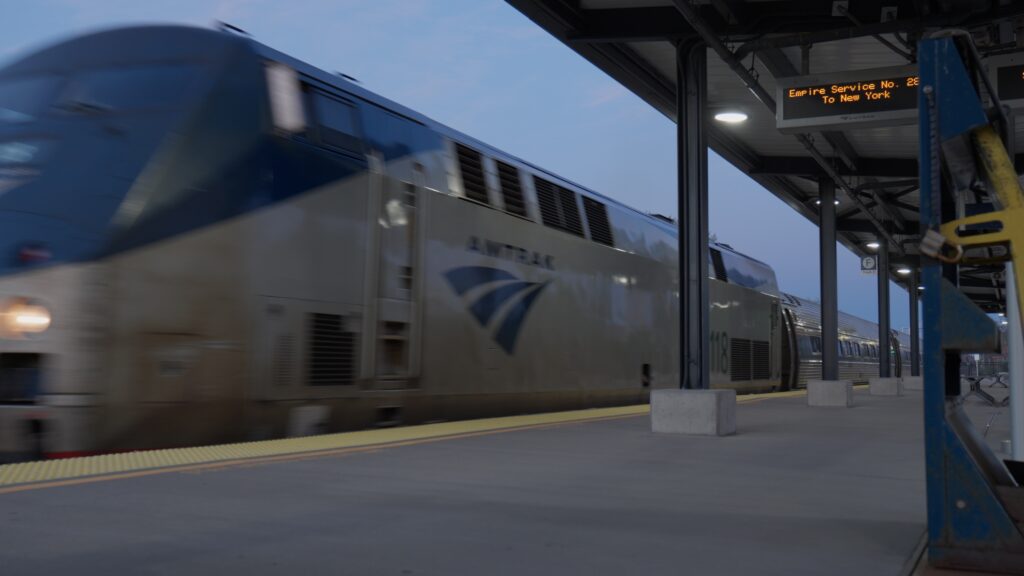
I was originally planning to head down to my parents Sunday, but I hit a bit of a snafu with train tickets and ended up having to move things to Saturday instead. That meant rescheduling an interview I had planned, which was a little annoying, but it is what it is. I was on a train at 5:40am Saturday morning, which… yeah.
I’m visiting my parents this week, something I’ve been trying to do once a month. I missed April so I wanted to make sure I made it this month. Being further away and having that “out of sight, out of mind” mentality means I have to actually be intentional about it. There’s a reason I started doing this, and April was kind of a reminder of that. Being here makes me feel a bit closer to everyone, and a little better about things than when I’m up in Rochester.
The Spirit vs Score interviews keep moving forward and I’m still really excited about where the doc is going. More on that as things develop.
Anyway, that’s the week. Nothing dramatic, just a lot of the same.
I’m exhausted. I’m going to say that upfront because it’s true and because it’s kind of the point.
This week I did two interviews and went to two different tryouts to get b-roll for the ultimate documentary. That’s a lot of production for one week, especially when you’re already running low. But I did it, and I’m glad I did.
I went into this week with a very familiar feeling of anxiety: that what I’m making isn’t good enough. That I don’t really know what I’m doing, that people are going to see through it eventually. This is something I’ve dealt with, probably all my life. But all of the things I’m doing seem to be heading in the right direction.
At both tryouts, people came up and asked what I was working on. Genuinely curious, genuinely excited. That doesn’t sound like a big deal but when you’ve got impostor syndrome like I do, it kind of is.
After one of my interviews, I admitted I was anxious about whether this was going to be good. If this documentary is going to mean something or tell the story I want to tell. The person I was talking to told me they thought I was professional, that I asked good questions, that I kept things moving. That’s a nice confidence boost.
One of the interviews also gave me a great moment: talking about how, as a coach, they are trying to make their players better, but finding out that for some of those same players they’re actually making them better people. That they’re part of that. I keep getting these great nuggets during these interviews and I really hope I can do it justice.
In other news, I hit a milestone this week. I’ve lost 11 pounds from the heaviest I’ve been, and I’m still going. I’m not just working on my diet and being physically healthy, I’m also working on my mental health. Setting better boundaries, trying to actually take care of myself. It’s a slow process but I’m working on being the best me I can be.
Thanks for reading. Happy Mother’s Day and I’ll be back next week.
I know I’ve been pretty silent for the last couple of weeks. Honestly, I’ve been going through some shit. Nothing I’m ready to unpack in detail right now, but enough that I’ve been trying to keep myself busy so I don’t have to sit with it too long. Weight, mental health, emotions: all of it has been hitting just a little more than usual. When that happens I usually end up either wallowing or distracting myself. This time it’s been distractions, but it’s felt very…productive.
In the last two weeks I shot four interviews for my documentary, got footage at a local women’s tournament, and went to a local film festival and exchanged info with a bunch of the filmmakers. I’ve also been working on some rebranding and a roadmap for RocDocs, plus a partnership agreement with another local organization.
All of this has made me really think about what I’m doing. For this documentary, for these different communities that I’m part of, and for myself. In all of this busyness and distraction I make for myself, I keep spending more and more time trying to make these things better, not just for me but for everyone else associated. I’m starting to think that might be telling me something. Not necessarily that I’ve figured things out, but maybe this is the direction I’m supposed to be heading. Maybe this is the direction I WANT to be heading.
So yeah, I’m finding myself actually hopeful. Hopeful that I can actually pull off this documentary, that I can help build up the communities that I care so much about, for various other things in my life, and hopeful that I can actually find happiness.
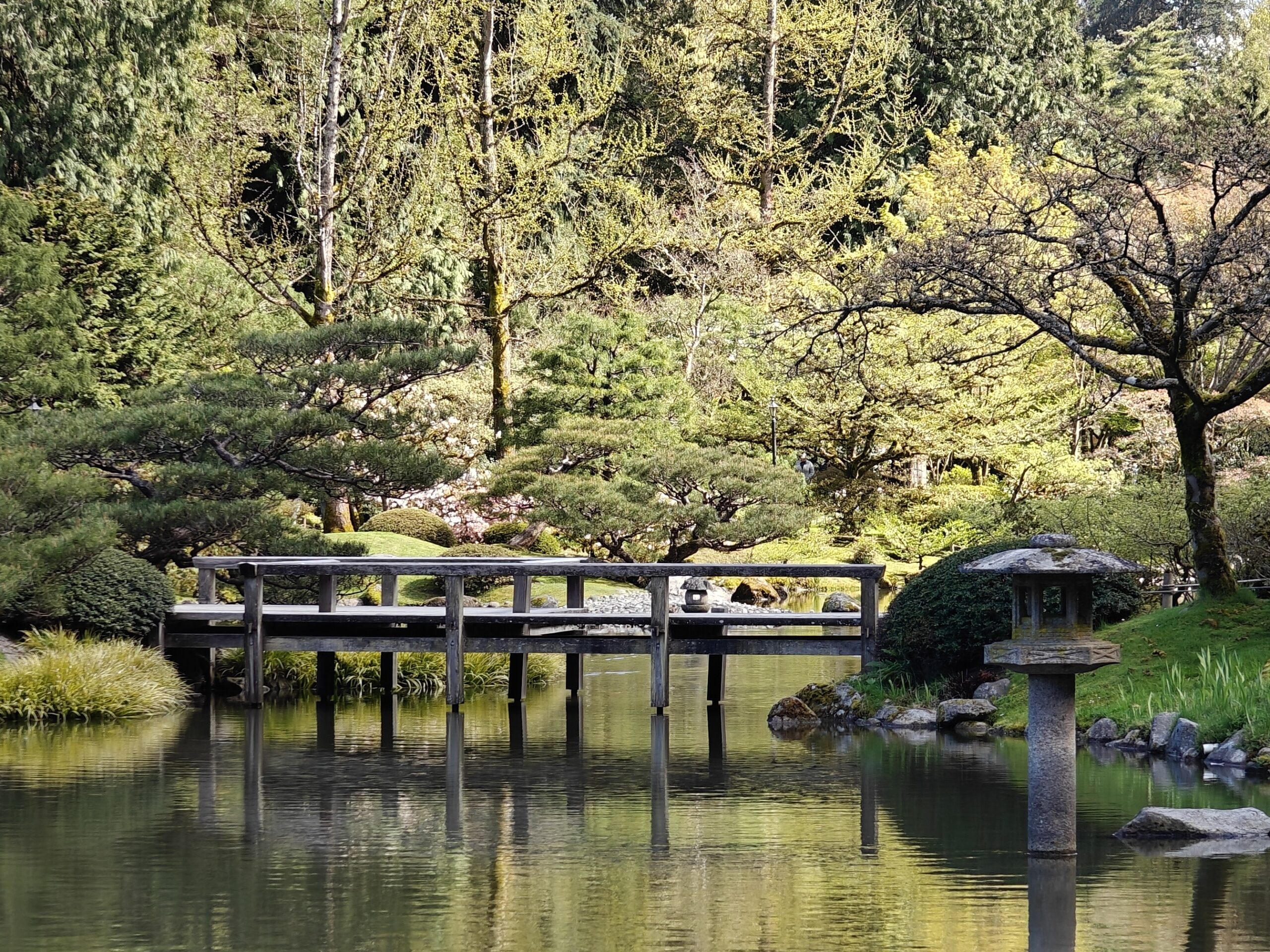
So this week was a little nuts. I went to my first film festival and I had my own short documentary in it. The festival…was in Seattle which meant flying out there and it’s been a while since I did that so I was nervous before I even got to the airport.
It wasn’t just the flying; that was part of it. With the general state of the world, air travel, and the fact that I was heading to screen my first ever short film, my stomach already had some knots.
The first leg to Chicago was ok. By the time I got on the Seattle flight I was ready for smooth sailing and instead got turbulence and a hail storm on approach. When I finally landed, I wasn’t thinking about the festival or the film. I was just thinking, “I’m exhausted but the first part is done.”
That became kind of a theme for the weekend. I’ve talked about imposter syndrome before but I don’t think I was fully prepared for what it would feel like to walk into a film festival with my own work. Here I am, surrounded by filmmakers who have done this, who know how this works, who belong here. I kept waiting for someone to figure out that I somehow didn’t belong.
Opening night helped a little. They talked about the history of the festival, mentioned that they’d culled 450 submissions down to 60 films. My little short was one of them and that was a nice little boost. Another bit of anxiety lifted, another part done.
Then they played a trailer featuring clips from this year’s selections and I saw my footage in there. Out of 60 films there was my audio, my images; part of something more than just itself. I didn’t think that would do anything, but it definitely gave me another boost.
But I was still nervous about the screening. Still nervous about the Q&A. What would people think of it? How badly would I get picked apart? Am I even qualified to answer questions about a film I made mostly by figuring it out as I went?
In the first 2 days, I met a bunch of different film makers and the non-profit staff. The director of the festival, Sam, was from Rochester and we’d crossed paths a few times earlier. Talking about the area, where he grew up and the similarities to Seattle. Another bit of anxiety gone. By the time I sat down for the Q&A I felt like I was at least talking to someone I knew a little. That mattered more than I expected it to.
The screening went well, but during the Q&A I referred to myself as an amateur. First film, still learning, you know how it is. A woman in the audience stopped me and said I should just call myself a filmmaker. Full stop. This wasn’t amateur. I’ve been thinking about that ever since. She’s right. I think part of me just needed a stranger to say it out loud before I could actually believe it.
I’m leaving Seattle, grateful and thankful for the festival, my hosts (thank you Erin and Dennys!)and feeling something I didn’t expect: this is something I can actually do. Not someday, not once I get better or more experienced or more confident. Now. I’m doing it now.